A modern frontend for The Sims 1
Simitone is an alternative C# frontend based on FreeSO — modern resolutions, directional lighting, and quality-of-life improvements from later games. Optional 3D mode.
About This Project
Simitone is an alternative C# frontend for The Sims 1, built on top of FreeSO. It reimagines the classic game with modern resolutions, improved lighting, optional 3D mode, and quality-of-life features. Play in your preferred visual mode with F12.
On modern operating systems, The Sims 1 has nagging issues that make it less than playable. Simitone serves as a tool to improve the playability of your existing installation of The Sims.
Features
Custom User Interface
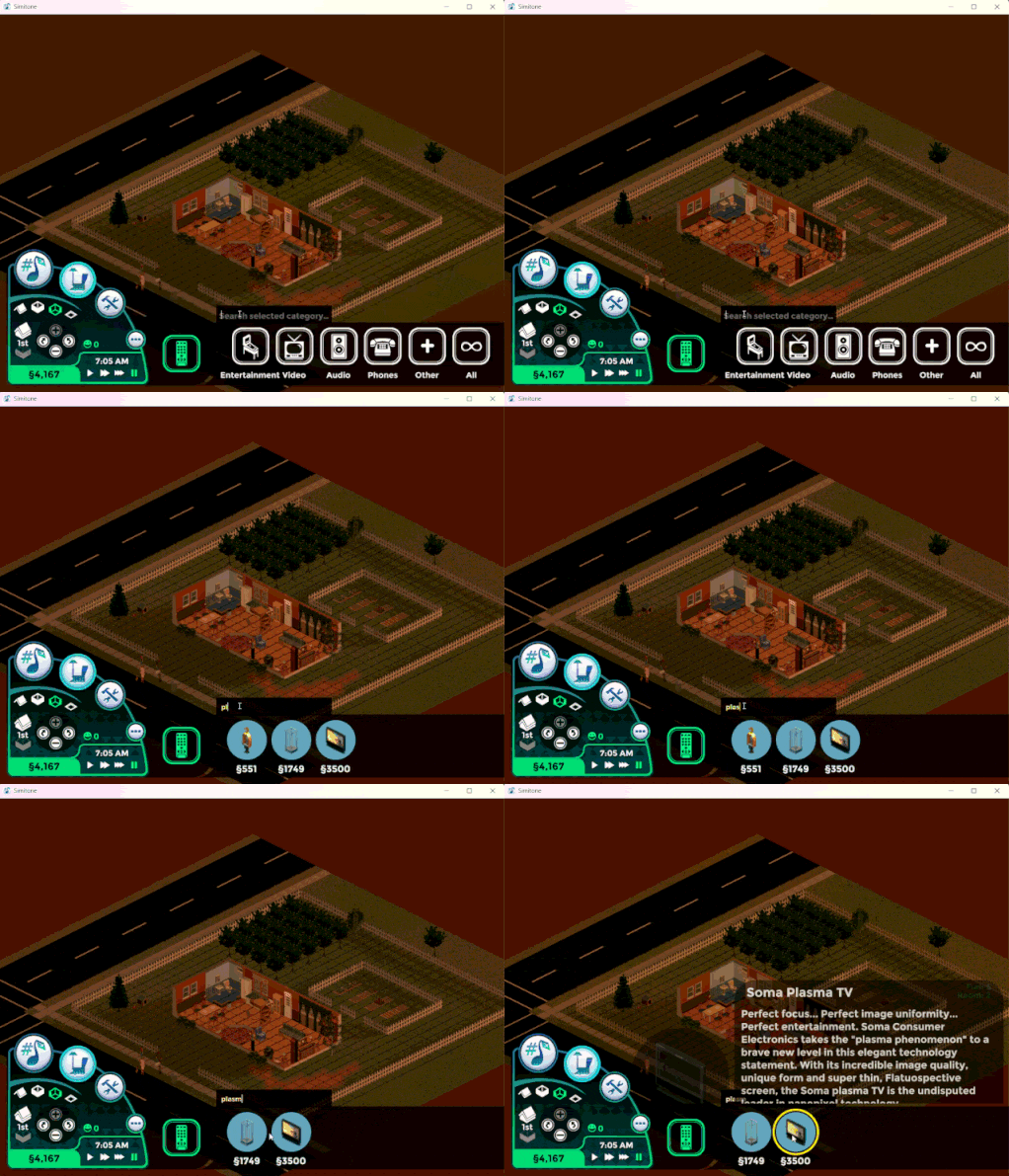
Custom user interface that works at modern resolutions. Working on a more desktop oriented interface. Includes catalog name search and build/buy filtering.
Quality of Life
Improvements from later games in the series; eyedropper tool, catalog search, camera rotation via mouse wheel, free will toggle, and more.
Improved Performance
Better graphical performance with support for high resolutions and refresh rates on modern hardware.
3D Mode (Optional)
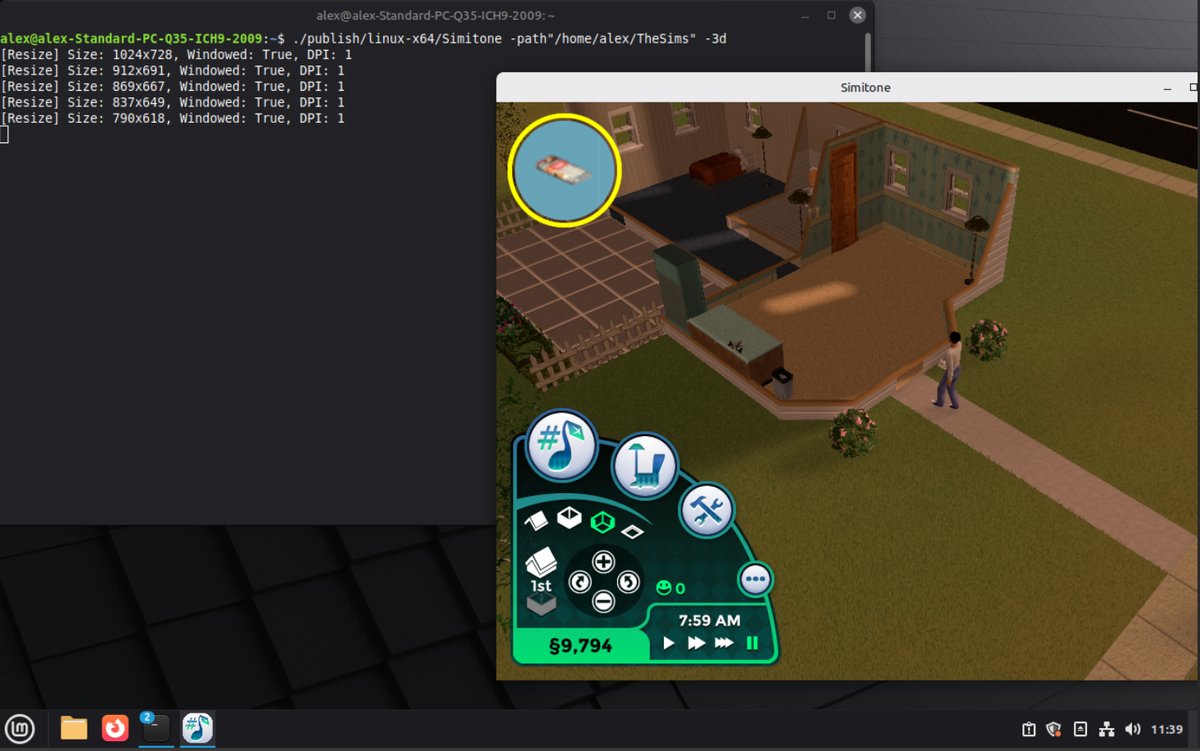
Optional 3D rendering. Default is the familiar hybrid 2D look. 3D uses community-generated models and FreeSO meshes. Use whichever you prefer.
Custom Lighting
Directional lights with smooth falloffs and shadows for a more atmospheric look.
Cosmetic Weather
Rain, snow, hail, and storms — toggled via the cheat console (Ctrl+Shift+C) for atmosphere. (No gameplay impact.)
Screenshots
Click a photo to view full size.
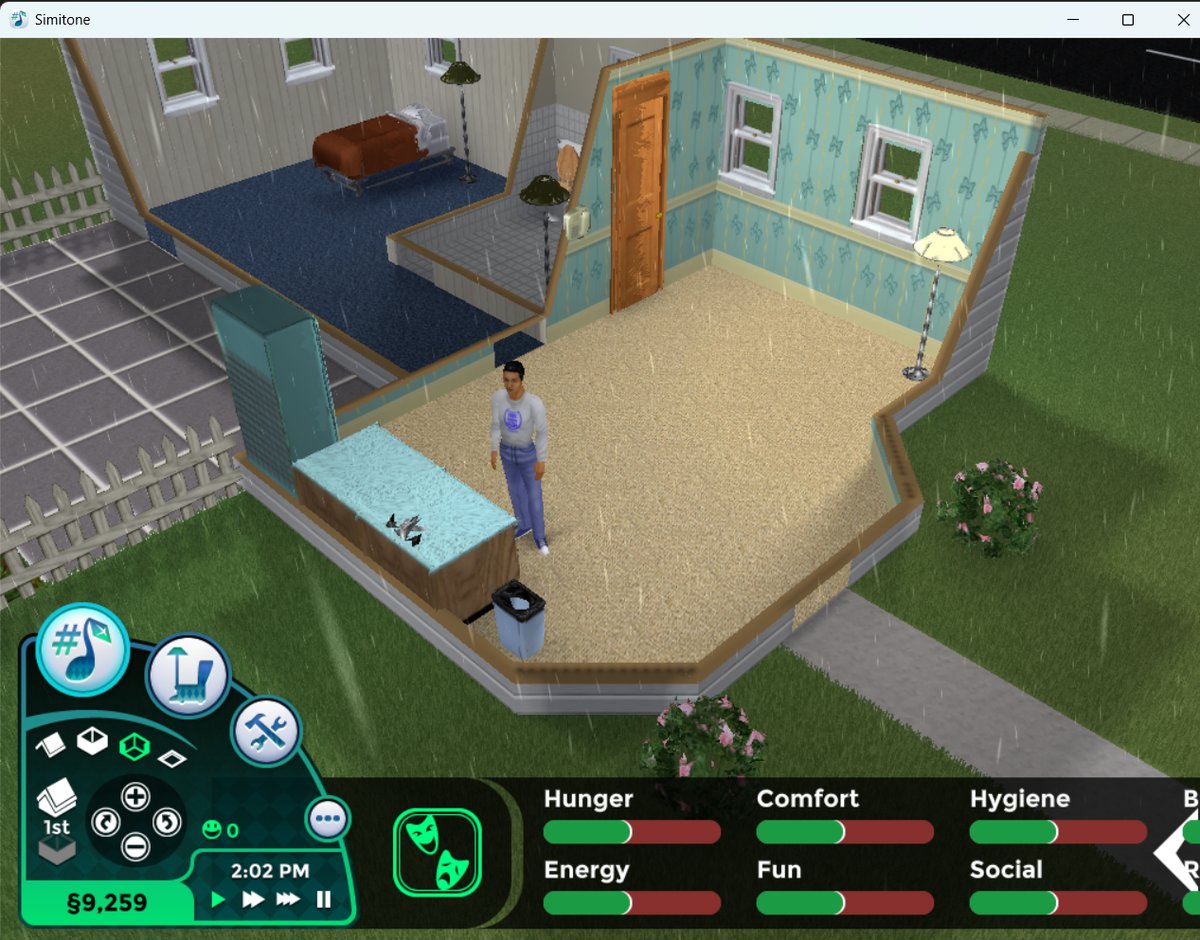
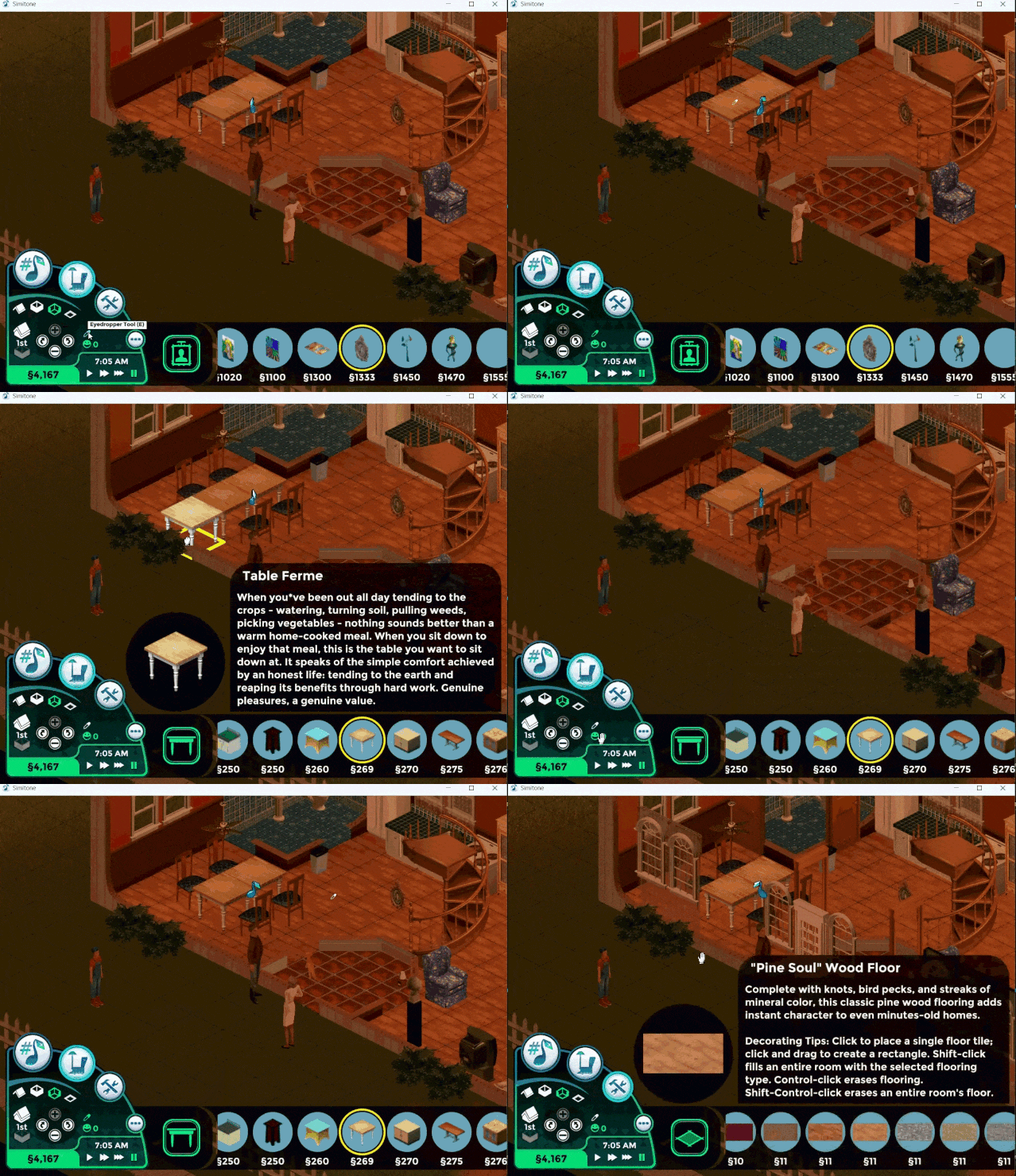
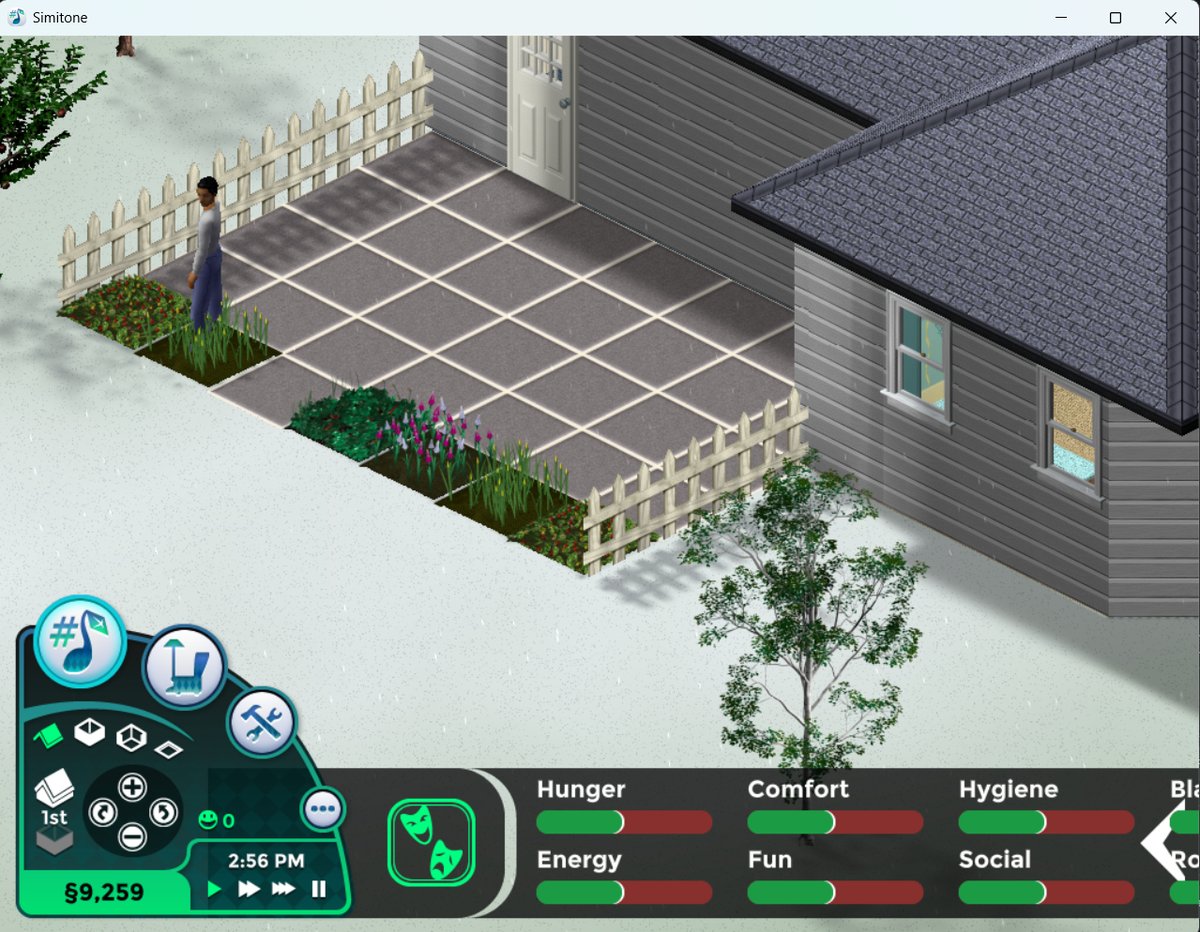
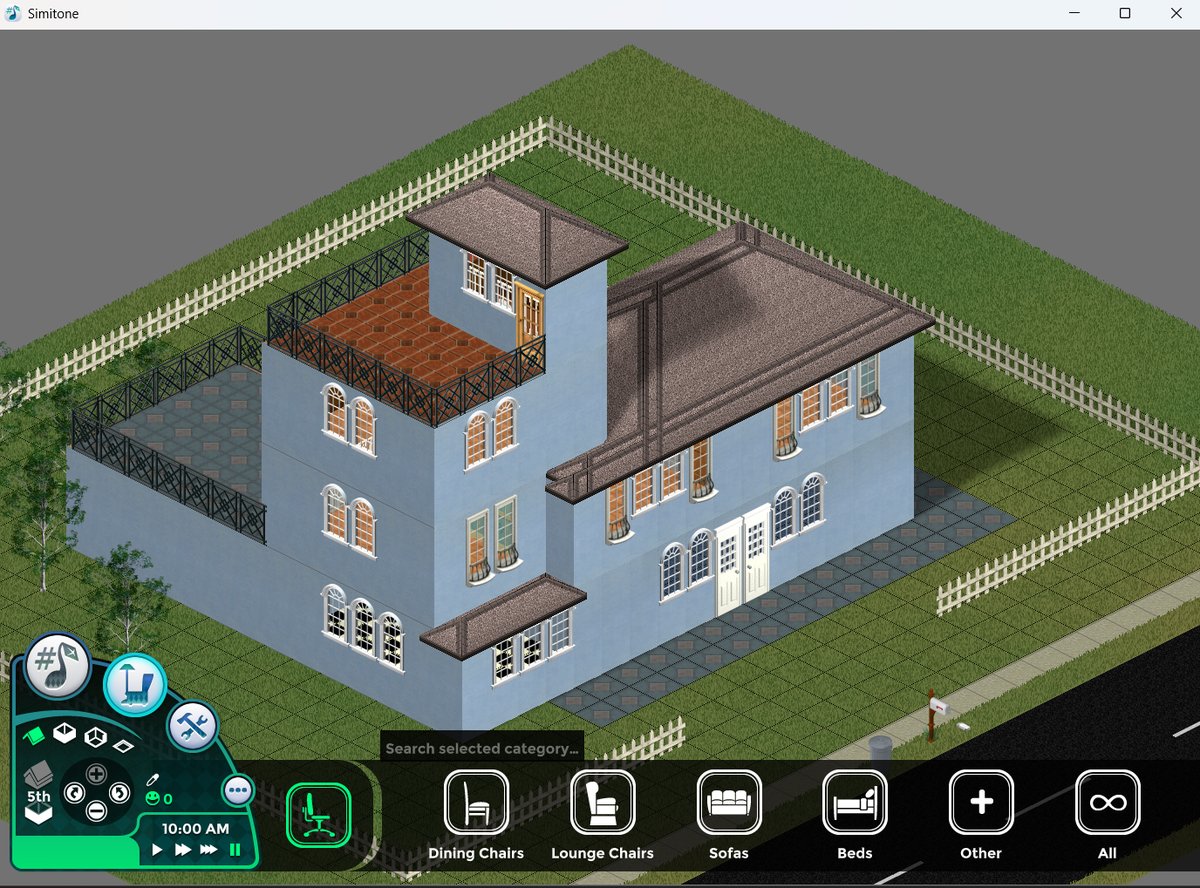
What's Different in This Fork?
This is a forked version of Simitone with updates that may not be present in the original Simitone repository. Key additions in this fork include:
- Cosmetic Weather System; rain, snow, hail, and storms toggled via cheat console (currently has no impact on gameplay)
- Linux Support; Will now run on Linux!
- QOL Features; improvements from later games in the series; eyedropper tool, catalog search, camera rotation via mouse wheel
- And More!
For a complete list of changes, compare the original repository with this fork on GitHub.
System Requirements
Supported Platforms
| Platform | Status | Notes |
|---|---|---|
| Windows | Supported | Windows 10/11 recommended. Requires .NET 9.0 Runtime + ASP.NET Core 9.0. |
| Linux | Supported | Tested with Ubuntu and Linux Mint. Requires SDL2 and OpenAL. |
| macOS | Not Functional | Builds but does not work. PRs welcome! |
Runtime Requirements
libsdl2-2.0-0, libopenal1
- Ubuntu/Debian:
sudo apt install libsdl2-2.0-0 libopenal1 - Fedora:
sudo dnf install SDL2 openal-soft - Arch:
sudo pacman -S sdl2 openal
Game Files
A legitimate copy of The Sims: Complete Collection or The Sims: Legacy Collection. Windows version only, although it will work with Linux, as Simitone just needs the data files.
Quick Install
Windows
- Download the latest release for Windows.
- Extract the ZIP to your preferred location.
- Run
Simitone.exe.
First-Time Setup
On first launch, Simitone automatically scans for The Sims 1 installations:
- Portable install (relative path
../The Sims/) - Windows Registry (
HKEY_LOCAL_MACHINE\SOFTWARE\Maxis\The Sims) - Steam installation (via Steam registry and libraryfolders.vdf)
- Default install (
C:\Program Files (x86)\Maxis\The Sims\)
If one installation is found, it's auto-configured. If multiple, a selection dialog appears. If none, you can browse manually.
User Data Location
Configuration and save files are stored to: %USERPROFILE%\Documents\Simitone\
Simitone uses separate save files from The Sims 1. Your original saves remain untouched.
Linux
- Download the latest release (Note: This has only been tested on Ubuntu and Mint.)
- Extract the archive to your preferred location.
- Run
./Simitone.
First-Time Setup
Auto-detection scans: Portable (../The Sims/), Steam Proton (~/.steam/steam/steamapps/common/The Sims/), Wine prefixes, or fallback.
Alternatively, specify the path directly:
./Simitone -path"/fully/qualified/path/to/The Sims/"User Data Location
Linux: ~/.local/share/Simitone/
Optional Command-Line Arguments
| Argument | Description |
|---|---|
-path"<path>" | Specify custom Sims 1 installation path |
-dx / -gl | Force DirectX or OpenGL rendering |
-3d | Enable 3D mode in the game (toggle with F12) |
-jit | Enable JIT compilation for SimAntics |
-hz <rate> | Set refresh rate |
-ide | Launch Volcanic object editor |
-lang <code> | Set language |
-nosound | Disable audio |
Known Limitations
The following features are currently incomplete or have known issues:
- Incomplete Fame career track
- Cannot save while on vacation
- Cannot evict families from lots
- Buy mode on community lots is non-functional
- Rudimentary blur censoring (original censor difficult to implement)
- Custom objects with custom animations may not work properly
- Some stock objects have bugs that can make certain lot types unplayable
Community & Resources
Building from Source
Easy Mode: GitHub Actions
Don't want to set up a build environment? Fork this repository and use GitHub Actions:
- Fork this repository on GitHub.
- Go to the Actions tab (you may need to activate actions).
- Click "Build Simitone" in the left sidebar.
- Click "Run workflow", select Release, pick your platforms, and click "Run workflow".
- Wait ~4-5 minutes or so, refresh the job page, and download the release artifact.
Windows
Prerequisites
- Git (2.13+)
- .NET 9.0 SDK
Steps
git clone https://github.com/alexjyong/Simitone.git
cd Simitone
git submodule update --init --recursive
dotnet restore Client\Simitone\Simitone.sln
dotnet restore FreeSO\TSOClient\FreeSO.sln
dotnet build Client\Simitone\Simitone.sln -c Release --no-restore
Or use the PowerShell build script:
.\build.ps1          # Build (Release)
.\build.ps1 -Run     # Build and run
.\build.ps1 -Clean   # Clean before building
Linux
Prerequisites
Install runtime dependencies first (see System Requirements above).
Steps
git clone https://github.com/alexjyong/Simitone.git
cd Simitone
git submodule update --init --recursive
./build-mac-linux.sh

# Optional: self-contained release build (no system dependencies needed)
./build-mac-linux.sh --publish
Run the built executable:
# Standard build
cd Client/Simitone/Simitone.Desktop/bin/Release/net9.0/
./Simitone -path"/path/to/The Sims/"

# Self-contained build
cd publish/Simitone-Linux-x64/
./Simitone -path"/path/to/The Sims/"
Troubleshooting
- "FreeSO folder is empty" — Run
rm -rf FreeSO && git submodule update --init --recursive --force - "Unable to locate the .NET SDK" — Install the .NET 9.0 SDK (not just runtime), restart your terminal, and verify with
dotnet --info.
Attributions
- Rhys/riperiperi The creator of the original Simitone project. Check out his other work here.
- Original Simitone Contributors: Thanks to all the contributors who built the original project, view the full contributors list.
- Eyedropper Tool Icon: "Color Dropper" icon by Icons8.
- Free Will Option Icon: "Creativity And Resourcefulness" icon by Icons8.
- Rain Loop Sound: Rubaoliva (CC0) — Original file on Freesound.
- Thunder Sound: Raclure (CC0) — Original file on Freesound.